SOMEDAY/HTML | CSS | JS
[CSS] layout 레이아웃 1 - float
아이엠제니
2022. 12. 30. 07:10

💾 Editor: VSCode
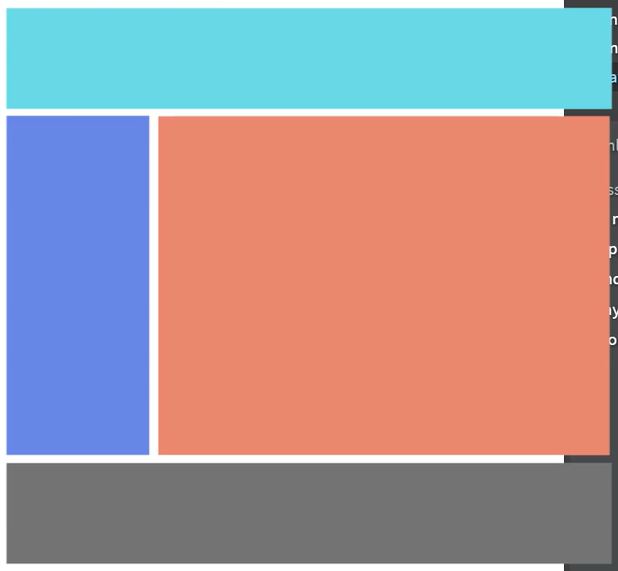
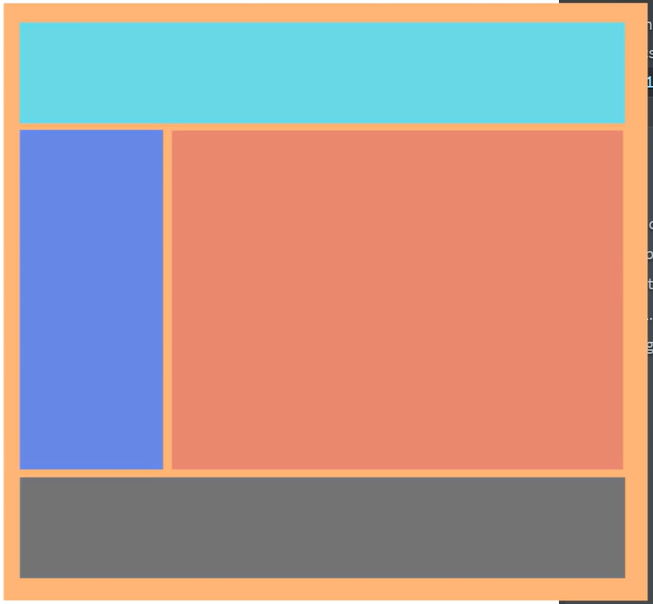
위와 같은 레이아웃을 배치하는 실습 진행.
오른쪽처럼 전체 레이아웃을 감싸는 wrapper(or container) 박스를 만들어두면 좋음.
layout1.html
.container
.container {
    width: 800px; /* 최대 width를 설정 */
}- 전체 레이아웃을 감싸는 wrapper box
.header
.header {
    width: 100%; /* 부모 태그의 width의 100% */
    height: 100px;
    background: aquamarine;
}- width를 100% 주면 부모 태그의 width의 100%를 사용한다는 의미
.left-menu && .right (수정전)
.left-menu {
    width: 20%;
    height: 400px;
    background: cornflowerblue;
}

.right {
    width: 80%;
    height: 400px;
    background: coral;
}
위와 같이 적으면 div가 가로행을 전부 차지하기 때문에, 2번째 박스는 아래로 밀린다
.left-menu && .right (수정후)
참고: https://developer.mozilla.org/ko/docs/Web/CSS/float
.left-menu {
    width: 20%;
    height: 400px;
    background: cornflowerblue;
    float: left; /* 추가 */
}

.right {
    width: 80%;
    height: 400px;
    background: coral;
    float: left; /* 추가 */
}
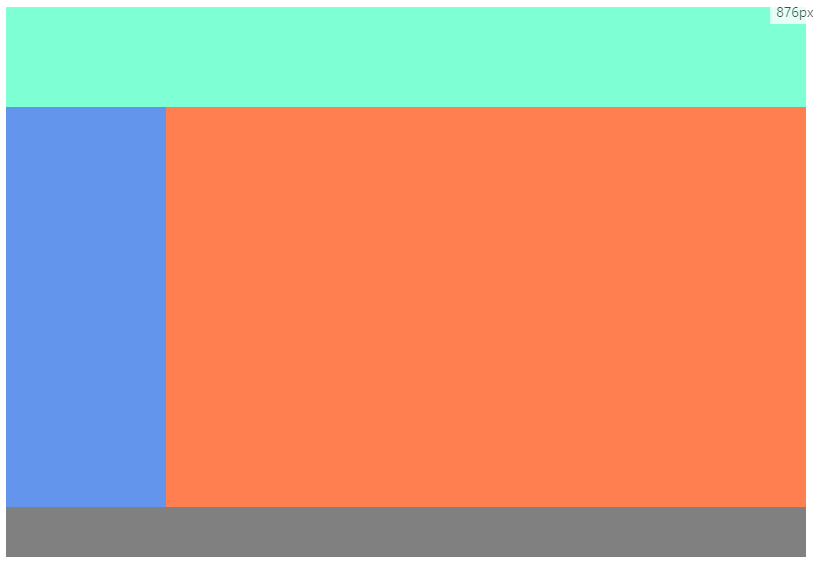
- float: left => 요소를 붕 띄워서 왼쪽 정렬
.footer
.footer {
    width: 100%;
    height: 50px;
    background: grey;
    clear: both;
}
참고: https://developer.mozilla.org/ko/docs/Web/CSS/clear
- footer 클래스 선택자 부분에 width, height, background 를 그냥 주면 footer가 안 보임
- clear: both
- float 다음에 오는 요소에 주면 float로 발생하는 이상한 현상 해결 가능함
코딩애플 공부 기록
300x250